
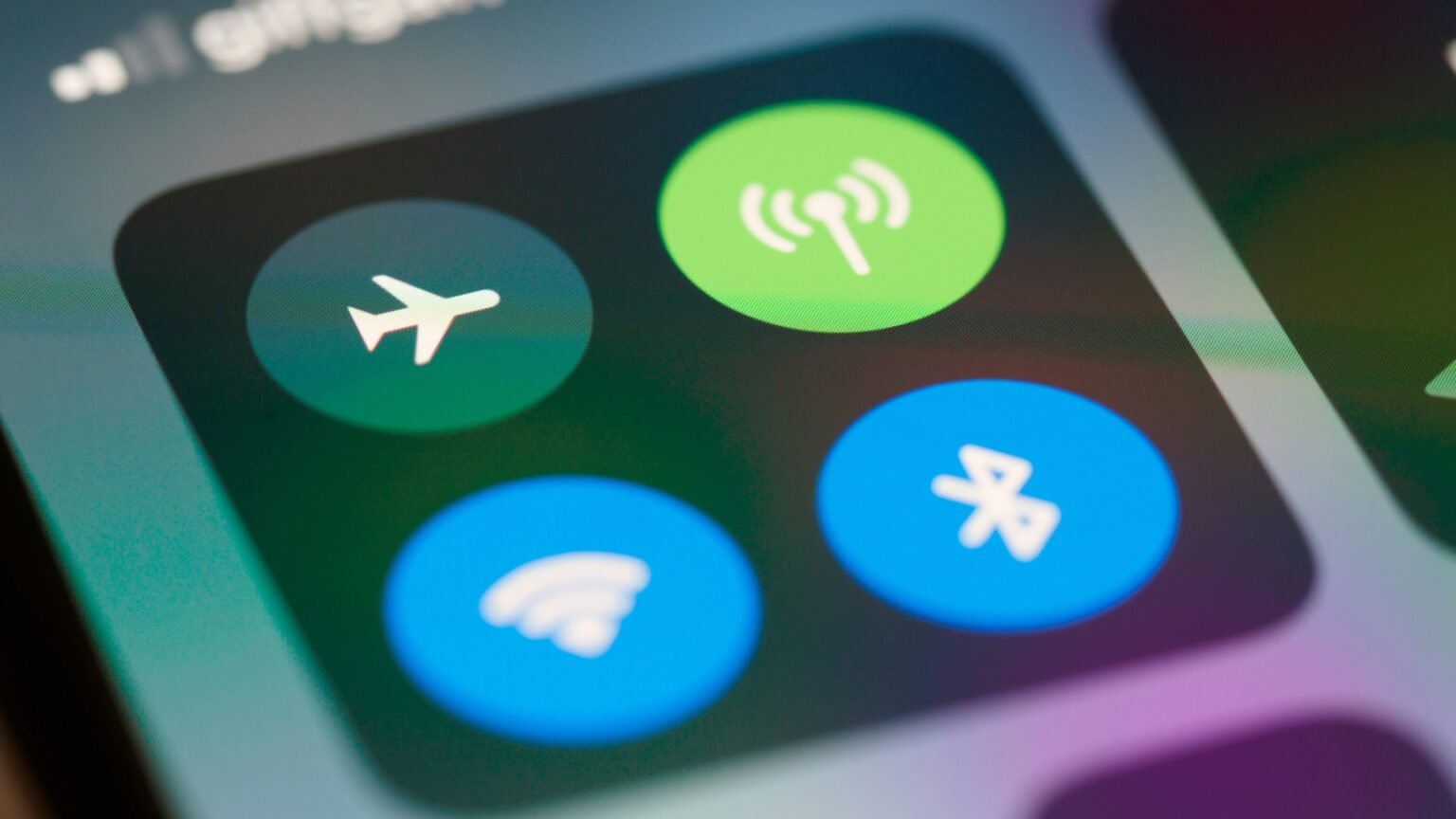
The doors close, a flight attendant makes the announcement, and you tap that little airplane icon without thinking twice. You’ve probably done this hundreds of times, but you might not know what it actually does beyond turning off your internet.
It doesn’t turn your phone off. It doesn’t even kill all wireless signals. It does something far more specific, and you’ll probably start using it on the ground once you see how it works.
It’s a radio switch, not a power switch
Your phone isn’t a single device. It’s several small components sharing one case. Inside, one chip talks to cell towers. Another handles Wi-Fi routers, one runs Bluetooth, and a separate receiver listens for GPS satellites. Airplane mode forces the transmitting hardware to stand down.
Your screen stays lit, your processor keeps running, and your camera, calculator, or downloaded playlist won’t notice a thing. Only the parts built to send and receive wireless signals go quiet, and even then, some keep working.
Which radios actually shut off
Cellular shuts down completely. Airplane mode was built around this single connection, so you can’t toggle it back on while the mode stays active.
Wi-Fi turns off by default, but you can flip it back on manually in your settings. That’s how in flight internet works.
Bluetooth also defaults to off, though modern phones often leave it running if you already connected your earbuds.
GPS is different. It keeps working the whole time on almost every device.
That last point confuses a lot of people, but the reason is simple.
Why GPS doesn’t care about airplane mode
Cellular, Wi-Fi, and Bluetooth radios must broadcast signals outward to work. Those outgoing signals can cause interference, which is why airplane mode exists.
GPS works differently because it only receives data. Your phone picks up timing signals from overhead satellites and calculates your location without sending a single byte back into the air.
No outgoing signal means zero risk of interference, so phone makers leave it on. An offline map app can track your location mid-flight with zero bars and no Wi-Fi. You only lose live features like traffic updates or transit delays because those require an active internet connection.
Where the rule actually came from
The FCC restricted phone use on flights back in 1991 for 2 reasons.
First, officials worried phone signals might mess with aircraft navigation or radios. Second, they wanted to protect networks on the ground. A phone moving at 500 miles an hour jumps between cell towers constantly, and that rapid switching can strain the network for everyone below.
The interference concern hasn’t aged well. Decades later, regulators haven’t found hard evidence that a smartphone disrupts modern flight equipment.
Rules softened in 2013, allowing airlines to let passengers use laptops and tablets gate-to-gate if their planes met basic electronics standards. Cellular transmitters stayed restricted because they broadcast at much higher power levels than Wi-Fi or Bluetooth.
The policy is a mix of caution, outdated rules, and convenience. It gives flight crews a single switch to check instead of inspecting dozens of individual menus on every passenger’s screen.
The battery trick nobody tells you about
This trick is worth using long after your flight lands.
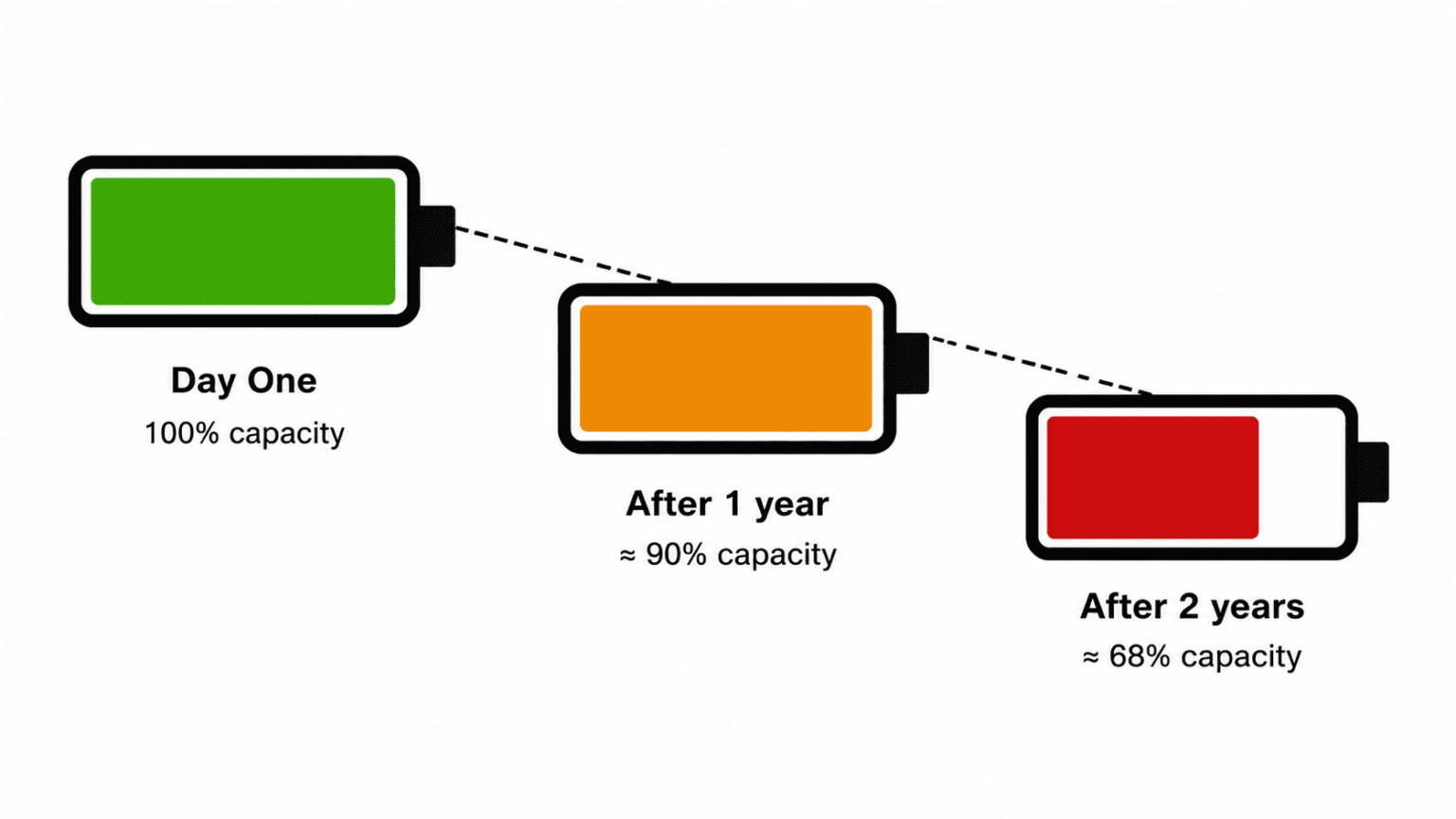
When your phone loses signal, it cranks up power to its cellular radio and scans relentlessly for a tower. That continuous search drains your battery fast, especially in basements, rural dead zones, or metal plane hulls at high altitudes.
Airplane mode cuts off that search immediately. The battery boost people see on flights happens because the radio stops searching for a signal it can’t reach.
You can use this same trick anywhere on land. If you’re stuck with 1 bar of service that won’t improve, turning on airplane mode will stretch your remaining battery life significantly.
What still works with it on
Cutting your connection doesn’t make your phone useless. You can still:
- Take and view photos
- Play music, podcasts, or videos saved to your storage
- Read downloaded books, articles, and documents
- Play offline games
- Use your clock, alarms, calculator, and camera
- Turn Wi-Fi or Bluetooth back on manually
only lose features that need live data, including calls, texts, app notifications, and background syncing.
Airplane mode isn’t the same as powering off
People confuse these 2 options, but they handle different jobs.
Airplane mode leaves your operating system running and only pauses the radios. It turns on instantly, leaves your apps open, and lets your morning alarms go off on time.
Shutting down turns off the entire system, including the processor. Rebooting takes time, which makes a full shutdown great for troubleshooting software bugs, but unnecessary if you just want to stop incoming messages.
Airplane mode gives you immediate quiet without the reboot delay.
How in-flight Wi-Fi actually works
Setting this up requires basic steps:
- Turn on airplane mode to disable cellular, Wi-Fi, and Bluetooth.
- Open your settings and turn Wi-Fi back on.
- Connect to the airplane’s local network.
- Keep cellular turned off for the rest of your flight.
The plane connects to ground towers or satellites overhead, and your phone communicates directly with the aircraft’s local network instead of searching for cell towers thousands of feet below.
And if you’ve got an eSIM
eSIMs follow the exact same rules. Airplane mode pauses the active connection on your digital SIM card without deleting or deactivating your profile.
When you switch airplane mode off, your eSIM connects to the network automatically without any setup steps.
A few myths worth retiring
- It shuts my phone down It doesn’t Everything except the radio transmitters keeps running normally.
- Forgetting it could bring down a plane No passenger phone has ever caused an aviation accident. The regulation is precautionary.
- GPS needs data to function GPS relies strictly on satellite signals. Cell data only adds extra details like live traffic overlays.
- It’s only useful in the air It saves battery in low-service zones, stops distractions while working, and prevents unexpected roaming fees abroad.
Airplane mode shuts down your phone’s cellular, Wi-Fi, and Bluetooth transmitters while leaving the passive GPS receiver and internal apps running. It started as an aviation safety standard, but its best practical use today is saving battery life whenever your phone gets stuck searching for a weak cell signal.