

You paste a contract into ChatGPT for a quick summary. You drop a spreadsheet into an AI assistant to spot trends or upload a scanned PDF to pull out key numbers. It feels instant and harmless. You get your answer in seconds, and the file vanishes from your screen.
But where exactly did that file go?
It’s one of the most common data safety questions right now, yet people rarely get a straight answer. That isn’t necessarily because companies are hiding something sinister. The reality is just a bit more complicated than a simple upload button makes it seem.
What Actually Happens When You Upload a Document to AI
Your file gets converted into text or tokens and temporarily processed on the provider’s servers to generate a response. After that, it’s either discarded, cached for a short time, or stored long term. What happens next depends entirely on the provider’s specific policy and your account tier.
1. Upload and transmission Your file leaves your device and travels to the AI provider’s servers. This usually happens over an encrypted connection. (Tip: Look for HTTPS/TLS. If a tool doesn’t use it, that’s an immediate red flag.)
2. Parsing and conversion AI doesn’t “see” a PDF or Word document the same way we do. Instead, it extracts the text, tables, and sometimes images, converting everything into a format the underlying language model can actually read.
3. Processing and response generation The model processes this extracted content alongside your prompt to generate an answer. This step happens in the server’s temporary memory.
4. Storage decision This is where data safety practices diverge sharply between providers:
- Some tools delete the file the moment they generate a response.
- Some hang onto it temporarily (usually 24 hours to 30 days) for abuse monitoring or debugging.
- Some store it indefinitely until you manually hit delete.
- Some use it to train or improve future models unless you explicitly opt out.
The uncomfortable truth? Unless you sit down and read the specific privacy policy of the exact tool you’re using, you genuinely don’t know which scenario applies to you.
Common Data Safety Mistakes People Make With AI Tools
Most data exposure incidents involving AI aren’t the result of dramatic hacks. Instead, they stem from small, avoidable habits. Watch out for these common missteps:
- Leaving personal identifiers visible: Uploading spreadsheets or texts that still contain names, addresses, ID numbers, or account details just “for context.”
- Mixing personal and professional: Using a personal AI account for work documents, which blends consumer tier data handling with confidential company info.
- Ignoring retention settings: Assuming a “temporary” chat means your file is gone forever without actually checking.
- Uploading NDAs blindly: Pasting full contracts into a tool without checking if doing so violates a confidentiality clause.
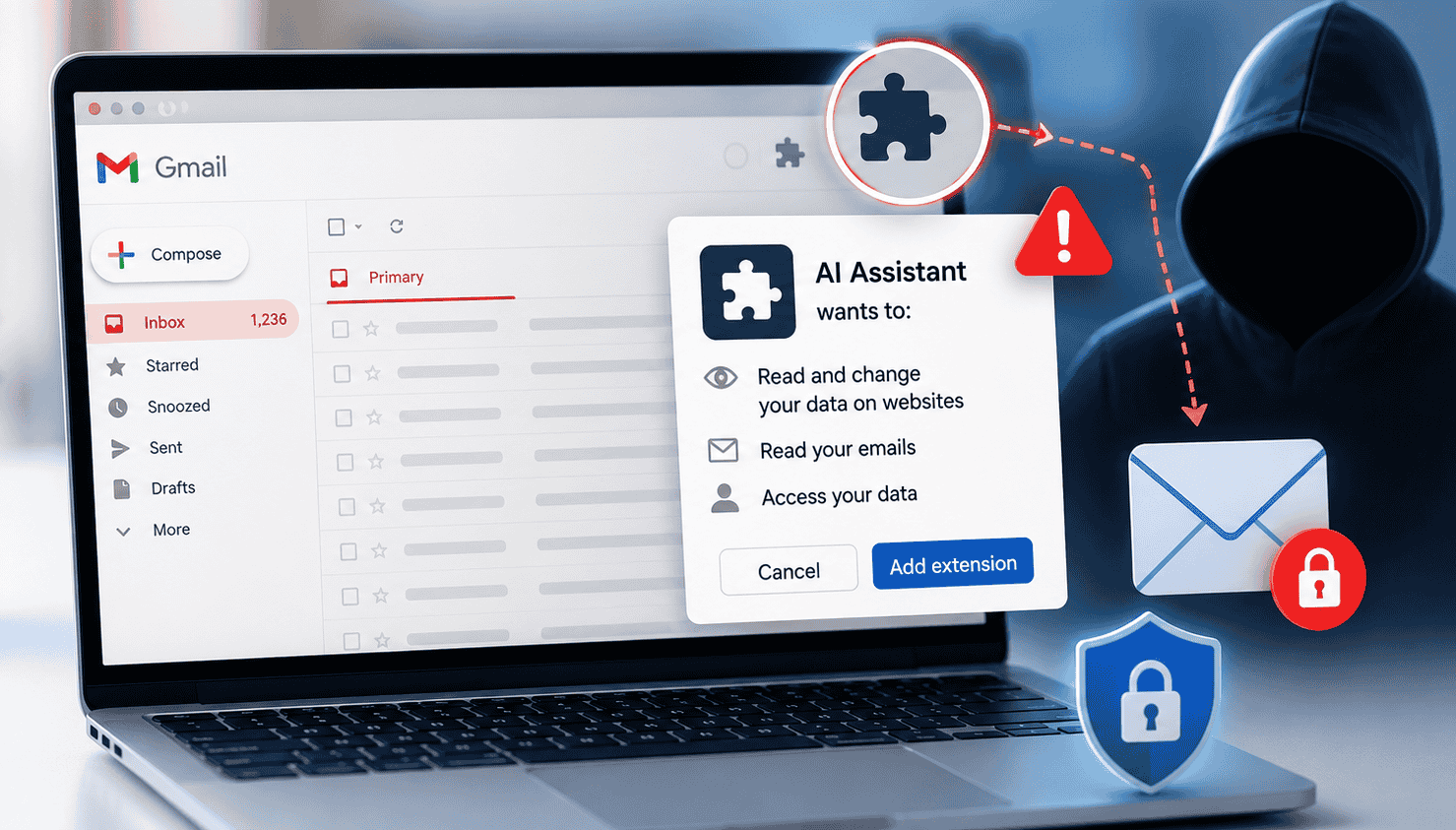
- Forgetting about browser extensions: Using plugins that connect to AI chat tools, which might read page content you never intended to share.
- Assuming all AI is the same: Believing the same privacy rules apply across the board, when every provider and plan tier is vastly different.
None of these mistakes stem from bad intentions. They happen because AI tools are built to feel effortless, and that very convenience makes it easy to forget when you’ve shared something sensitive.
How to Check If an AI Tool Is Safe for Your Documents
- Search the privacy policy for “training”: Look for explicit language about whether your inputs are used to train or improve their models, and check if there’s an opt out option.
- Check the data retention period: Reputable providers state this clearly whether it’s days, weeks, or “until you delete it.”
- Look for compliance certifications: Labels like SOC 2 Type II, ISO 27001, GDPR compliance, or HIPAA support mean a third party has actually audited their practices.
- Look for a Data Processing Agreement (DPA): See if there’s a business or enterprise tier offering this. For sensitive work, this is usually much safer than a free personal account.
- Test the deletion feature: Upload something low-stakes and then try to delete it. If you can’t figure out how to remove it, consider that a red flag.
- Search for recent security incidents: A quick web search for “[tool name] data breach” or “[tool name] privacy” will often surface independent reports that a company’s marketing page leaves out.
Data Safety Best Practices Before You Upload Anything
Think of this as basic digital hygiene the same way you wouldn’t email your passport number to a stranger.
- Redact before you upload: Black out names, account numbers, and any other identifiers that aren’t strictly necessary for the prompt.
- Keep accounts separate: Use business accounts for business data and keep your personal AI use completely distinct.
- Look for guarantees: Stick to tools that offer an explicit “no training on your data” promise when handling anything confidential.
- Shorten retention windows: If the option exists, set your data retention to the shortest possible timeframe.
- Only share what’s necessary: Avoid uploading full originals when an excerpt will do the job. If you just need AI to check the tone of a single paragraph, don’t upload the entire document.
- Track your uploads: Keep a mental or written log of what you’ve uploaded and where. This makes future audits or manual deletions a lot easier, especially for recurring tasks.
When Not to Upload a Document to AI
Certain categories of information carry so much risk that the smartest move is simply keeping them out of general-purpose AI tools entirely, regardless of the provider’s policy. These include:
- Government issued ID numbers (passports, SSNs, national IDs)
- Unredacted medical records (unless you are using a platform specifically built and certified for healthcare)
- Legally privileged material, like attorney-client communications
- Financial account credentials or full account statements
- Children’s personal data
- Trade secrets or unreleased product info covered by an active NDA
If your task absolutely requires AI assistance with this kind of material, skip the general consumer chatbots. Instead, look for a purpose built, compliant enterprise tool and get your IT or legal team involved before moving forward.
AI tools make working with documents incredibly fast, but “fast” doesn’t automatically mean “safe.”
To recap: your file usually gets converted to text, processed on the provider’s servers, and then either deleted, temporarily kept, or stored long-term. The absolute only way to know which scenario applies to you is to check the policy of the specific tool and plan you are using.
Before you hit upload next time, take thirty seconds to ask yourself: Is this a business account or a personal one? Does this file contain anything I wouldn’t want stored indefinitely? Is there a “don’t train on my data” toggle I need to flip?
Building this habit takes almost zero effort, but it prevents the vast majority of real-world data safety headaches.